Why You Need to Optimize Google Business Profile in 2026
To optimize Google Business Profile for better local rankings and AI-driven search visibility, focus on these core actions:
- Claim and verify your profile at business.google.com
- Choose the right primary category — it’s the single highest-impact ranking factor
- Complete every field — hours, description, services, photos, and contact info
- Upload photos consistently — at least 3–5 new images per week
- Collect and respond to reviews — aim for a steady flow of recent, keyword-rich feedback
- Post weekly updates with clear calls to action
- Write a keyword-rich description using all 750 characters in natural language
These steps improve your visibility in Google’s Local 3-Pack, Google Maps, and increasingly in AI-generated answers.
Here’s a reality check for busy local business owners: most of your competitors have an incomplete Google Business Profile. That’s actually good news for you.
46% of all Google searches have local intent. And with AI Overviews now appearing above traditional search results, Google’s algorithm is pulling structured business data — like your profile description, categories, and reviews — to generate answers before anyone even clicks a link.
That means your profile isn’t just a listing anymore. It’s often the first impression a potential customer gets of your business — and in many cases, it’s the only impression before they decide to call, visit, or move on.
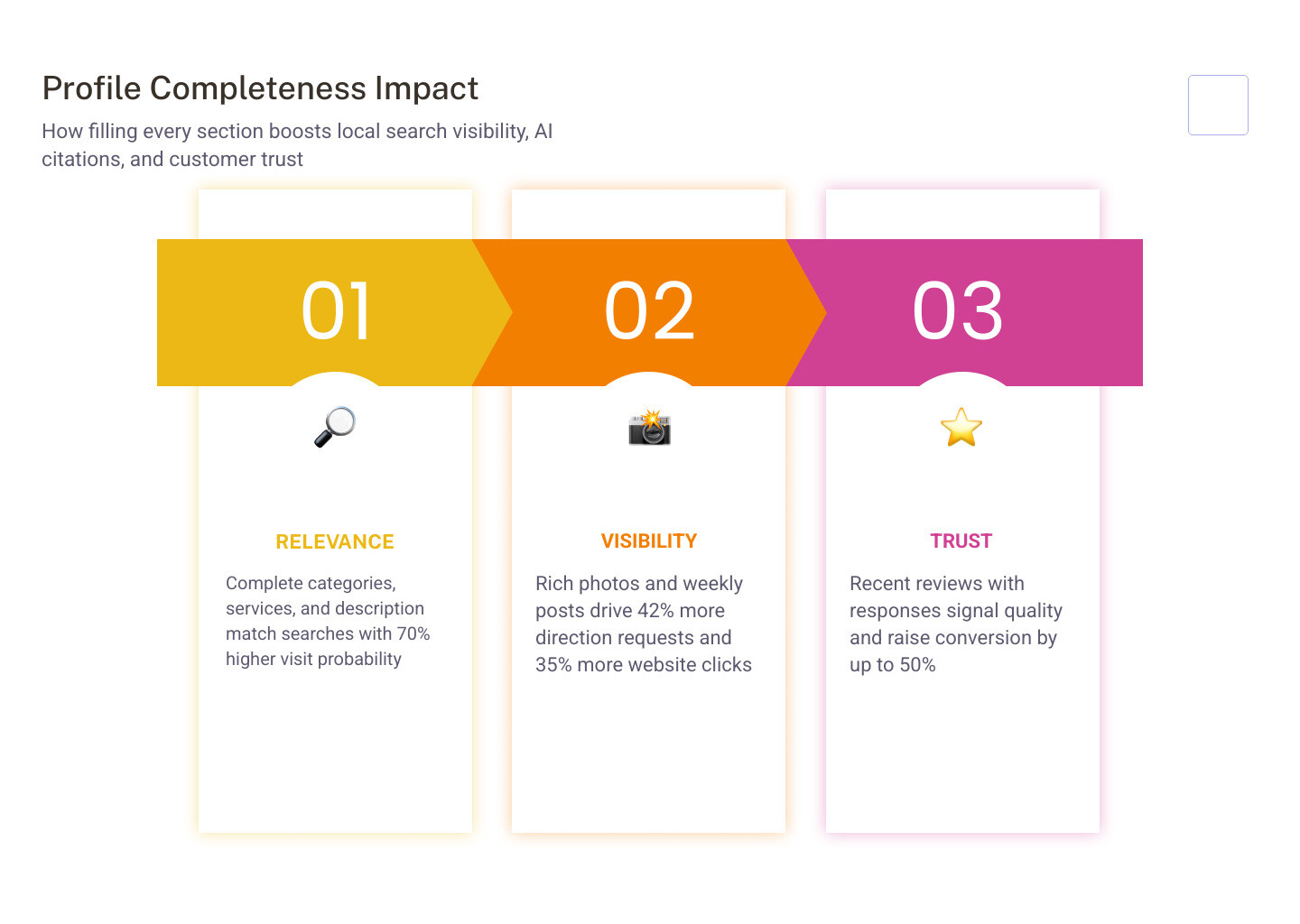
Businesses with complete, actively managed profiles are 70% more likely to attract location visits and 50% more likely to convert that interest into a purchase. Businesses with strong photo content receive 42% more requests for driving directions and 35% more click-throughs to their websites.
The gap between a profile that generates leads and one that sits ignored is not technical expertise — it’s consistent effort applied in the right areas.
I’m Rob Dietz, a digital marketing consultant with over 18 years of experience helping local businesses grow through search, and I’ve spent much of that time helping clients optimize Google Business Profile to generate more calls, visits, and revenue. This guide gives you the same practical framework I use with my own clients.
Understanding the Core Ranking Factors for Local Search
When we talk about how to optimize Google Business Profile, we first have to understand what Google is actually looking for. Google’s local algorithm isn’t a mystery; it’s built on three pillars: Relevance, Distance, and Prominence.
Relevance is how well your business profile matches what someone is searching for. If you are a plumber but your profile only mentions “handyman services,” you won’t be relevant for high-intent plumbing searches. This is why adding complete and detailed business information is crucial. Google matches profiles to searches based on the data you provide.
Distance (or Proximity) is exactly what it sounds like—how far your business is from the searcher or the location term they used. While we can’t move your physical building closer to every customer, we can ensure your service areas are accurately defined. Proximity is a difficult factor to influence, but it remains a heavy weight in the “Local 3-Pack.”
Prominence refers to how well-known or important your business is in the eyes of Google. This is influenced by your “offline” fame, but more importantly, by digital signals like your Google Business Profile review count, star ratings, and links from across the web. According to official tips to improve your local ranking on Google, prominence is also based on information that Google has about a business from across the web.

How to Claim and Verify Your Business Profile
You cannot optimize Google Business Profile if you don’t officially own it. If you haven’t yet, head to google.com/business to see if a listing already exists for your company. If it does, you’ll need to claim it; if not, you’ll need to create one from scratch.
Verification is the “gatekeeper” step. Without it, your updates won’t go live, and you can’t respond to those all-important reviews. In 2026, Google has moved toward more rigorous verification methods to fight spam.
- Video Verification: This is becoming the standard. You’ll likely need to record a continuous video showing your business location, your equipment, and proof of management (like opening a locked door or showing a business license). We’ve seen many businesses face challenges with Google Business Profile video verification, but following specific video verification tips—like ensuring your GPS is on and the video is clear—can help you pass on the first try.
- Postcard Method: The “old school” way. Google mails a physical postcard with a 5-digit code to your business address. It typically takes 5–14 days to arrive.
- Phone/Email: Some established businesses may still be offered an instant code via phone or email, but this is increasingly rare for new listings.
If you’re wondering, “How do I get a Google Business Profile?” the process is straightforward, but the verification is where most people get stuck. Don’t let your profile sit unverified—it’s invisible to the world until Google confirms you are who you say you are.
Strategic Steps to Optimize Google Business Profile for AI Answers
The search landscape in 2026 is vastly different than it was just a few years ago. We are now firmly in the era of Generative Engine Optimization (GEO). AI Overviews are now the primary way users get quick information.
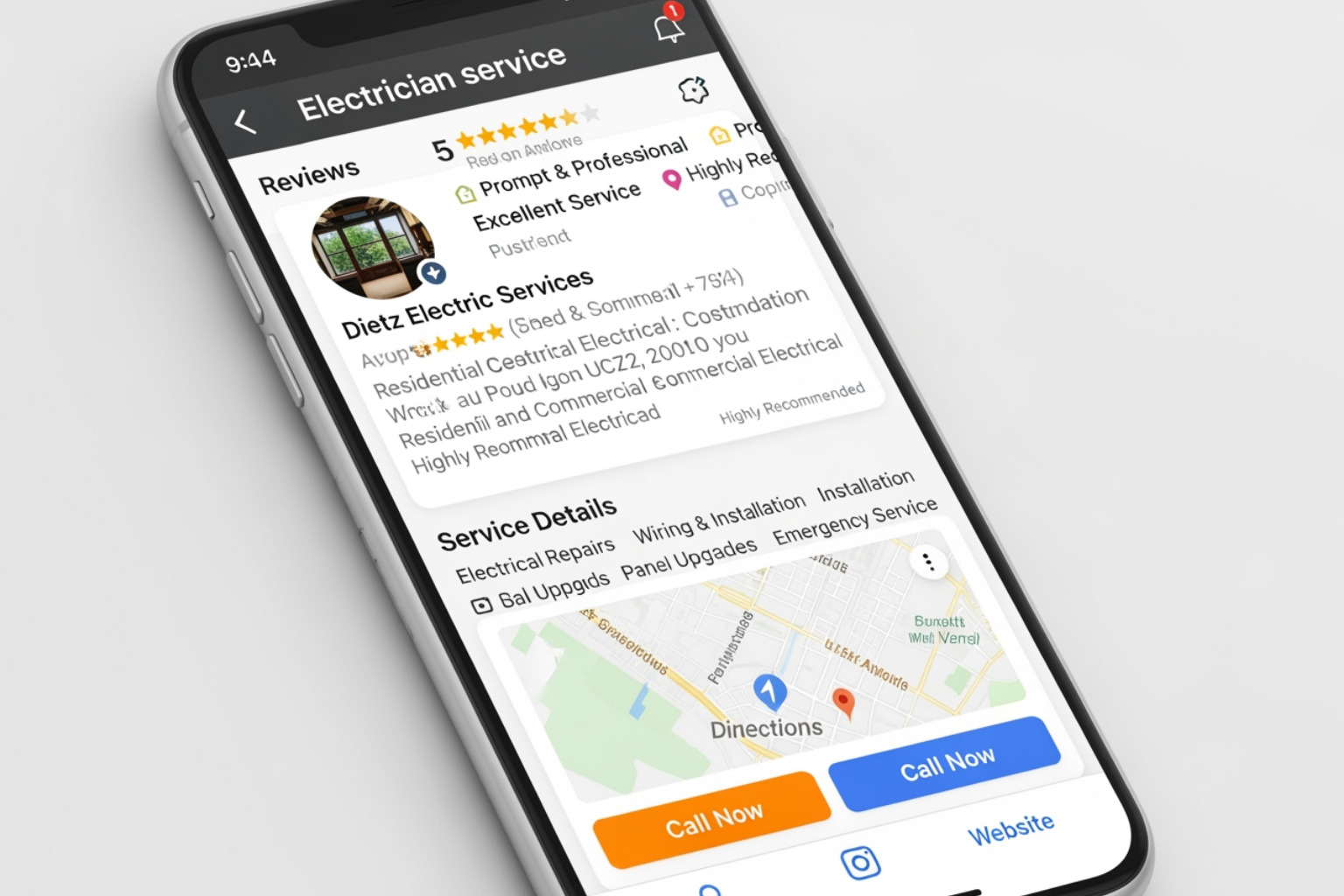
When someone asks, “Who is the most reliable electrician for panel upgrades near me?” Google doesn’t just look for a keyword; it looks for proof. It reads your description, reviews, and service lists to synthesize an answer. If your profile is thin, the AI won’t cite you. To win in this environment, you need a local generative engine optimization agency mindset.
Choosing the Right Categories to Optimize Google Business Profile
Your primary category is arguably the single most important setting on your profile. It accounts for roughly 32% of your ranking weight for relevance.
- Primary Category: Choose the most specific option that describes your core revenue-generating service. If you are a specialized “Wedding Bakery,” don’t just pick “Bakery.”
- Secondary Categories: You can add up to nine additional categories. Use these to capture specific search intents. A dermatologist might use “Med Spa” as a secondary category to appear for cosmetic searches.
We recommend a quarterly audit of your categories to ensure they still align with your business goals. For more depth, check out our 3 tips to optimize your Google Business Profile.
Crafting Descriptions to Optimize Google Business Profile for Generative Search
You have 750 characters for your business description. This is prime real estate for AI and local SEO.
Don’t just list your name and “we’ve been in business since 1990.” Instead, use natural, conversational language that answers customer questions before they ask them. Mention your main services, the specific areas you serve, and what makes you unique. This helps make Google fall in love with your business profile by providing the structured data its AI needs to recommend you.
Maximizing Visibility through Visual Content and Reviews
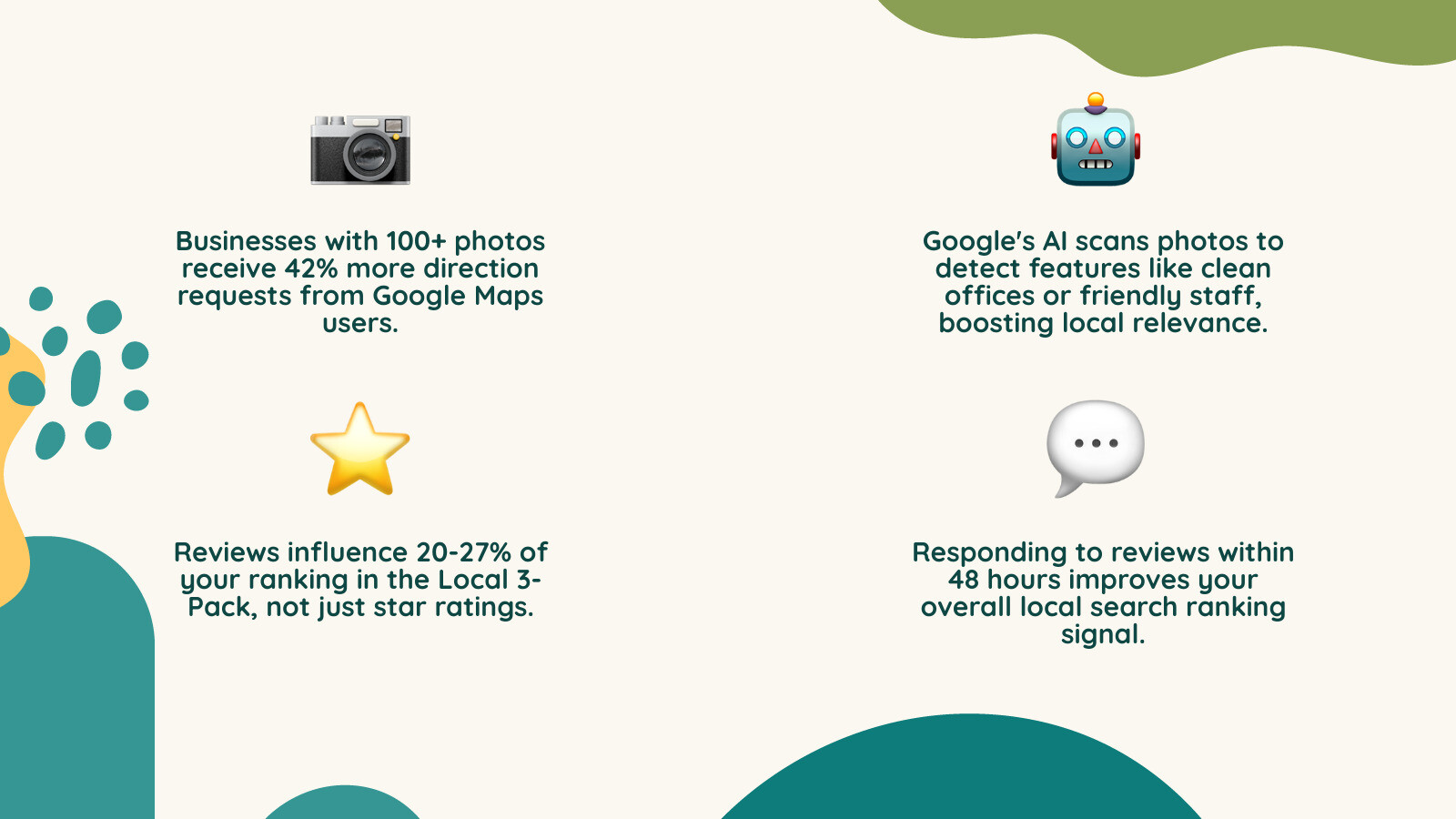
Visuals aren’t just “extra”—they are performance drivers. Businesses with 100+ photos receive 42% more requests for directions. Google’s AI can now “see” what is in your photos, identifying things like “clean office,” “friendly staff,” or “commercial HVAC unit,” which further boosts your relevance for specific searches.
Managing Customer Feedback and Engagement
Your reviews are your “SEO secret weapon.” They represent nearly 20–27% of the ranking weight for the Local 3-Pack. But it’s not just about the number of stars; it’s about the content within the reviews and how you interact with them.
- Keywords in Reviews: When customers mention specific services (e.g., “best transmission repair in town”), it provides a massive ranking signal.
- Response Speed: Aim to respond to all reviews within 24–48 hours. Google has confirmed that responding to reviews improves your local ranking.
- The Negative Review: Don’t panic. Handling negative feedback professionally can actually build more trust than a perfect 5.0 rating. It shows you are a real business that takes accountability. We call this the art of the comeback.
If you want to boost your Google star ratings, you need a system to ask every happy customer for feedback. Consistency is key—a steady flow of 3–5 new reviews per week is better than 20 all at once and then none for six months.
You can also use the Business Profile Chat feature to talk directly to customers, which is a great way to convert a “searcher” into a “lead” in real-time.
Ongoing Maintenance and the Path to Local Dominance
Many business owners treat their profile as a “set it and forget it” task. That is a mistake. To optimize Google Business Profile effectively, you must treat it as a living asset.
A truly successful local SEO campaign is a marathon, not a sprint. While you might see some movement in 30–90 days, a comprehensive local SEO service usually takes 12–18 months to achieve and maintain total local dominance.
SEO vs. PPC: The Local Balance
While Paid Search (PPC) can get you to the top of the page instantly, it stops the moment the campaign ends. Organic local search (SEO) builds long-term equity.
| Feature | Organic Local SEO (GBP) | Paid Local Ads (PPC) |
|---|---|---|
| Sustainability | Lasting results over time | Stops when the campaign ends |
| Trust Factor | Higher (Users trust organic results) | Lower (Users know it’s an ad) |
| Timeline | 12–18 months for peak results | Immediate |
To stay ahead, follow our ultimate Google Business Profile management guide and make sure you are posting weekly updates. These posts tell Google your business is active and provide fresh content for AI engines to crawl.
Frequently Asked Questions about Profile Optimization
How long does it take to see results from optimization?
While some initial improvements in visibility can happen within the first few weeks, it typically takes 30 to 90 days to see a meaningful increase in calls and clicks. For competitive industries, reaching the top of the Local 3-Pack generally requires 12–18 months of consistent management and review generation.
Is a Google Business Profile available for my business?
Yes! It is available for businesses to create, claim, and manage their profile. The core features of your Business Profile—including posts, photos, and reviews—are accessible for all verified businesses.
What are the most common mistakes to avoid?
The most common mistakes include:
- Keyword stuffing your business name: This can lead to an immediate suspension. Use your real-world name.
- Duplicate listings: These confuse Google and split your ranking power.
- Inconsistent NAP: Your Name, Address, and Phone number must be exactly the same on your website, your profile, and other directories.
- Using stock photos: Google and customers both prefer real, authentic photos of your team and location.
Conclusion
In 2026, the battle for local customers is won or lost in the first few inches of the search results page. If you don’t optimize Google Business Profile, you are essentially handing leads to your competitors.
At Dietz Group, we specialize in high-ROI strategies that leverage 18+ years of expertise and the latest AI technology to help you dominate local search. We don’t just “set up” profiles; we manage them as part of a comprehensive strategy to win in the age of generative search.
Ready to take your local presence to the next level? Learn how to supercharge your Google Business Profile and win local search or explore our professional Google Business Profile management services to see how we can handle the heavy lifting for you. Let’s make sure that when local customers search for your services, yours is the only name they need to see.